
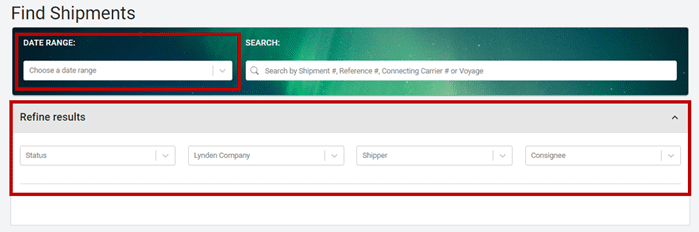
Don’t have the tracking number? Search for your shipment in EZ Commerce using our Date Range feature.
In the Date Range drop-down you can select from a list of timeframe options.
Then optionally you can apply filters to refine search results, including:
- Status
- Lynden Company
- Shipper
- Consignee
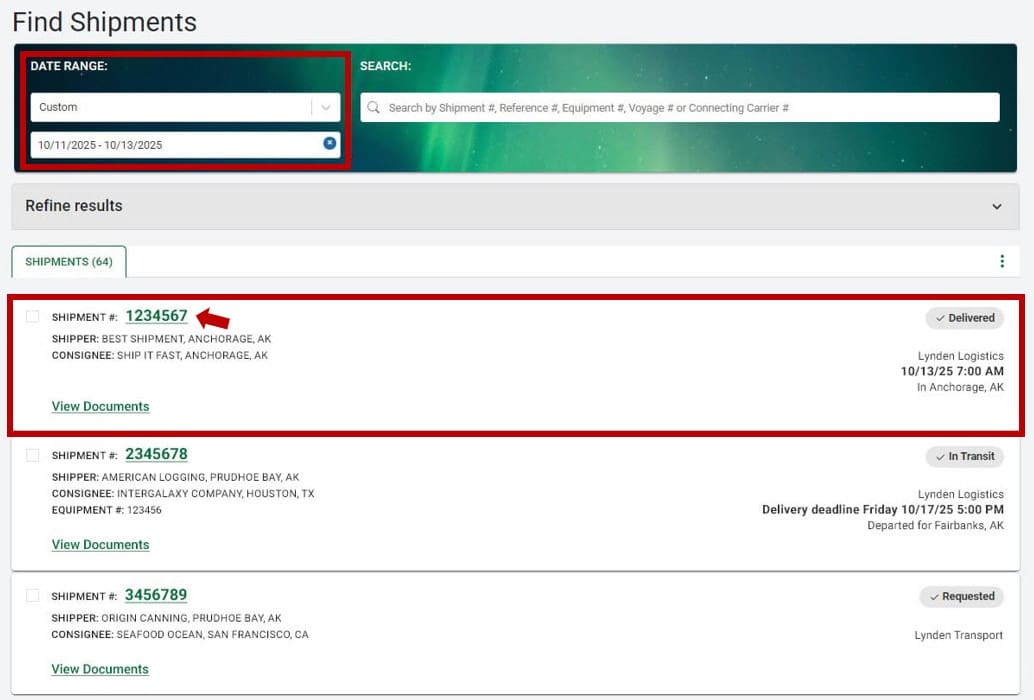
The search results displays all shipments meeting the criterion you based your search on (date range and filters). Each shipment row will list basic shipment details, including the shipment number, current status, and the shipper and consignee names, along with their city and state.
To view more detailed information, click on the shipment number.
After clicking on a shipment in the search results, you’ll see additional information, including:
- Status and shipment progress
- Complete shipment details
- Any available documents
- Option to subscribe to email notifications
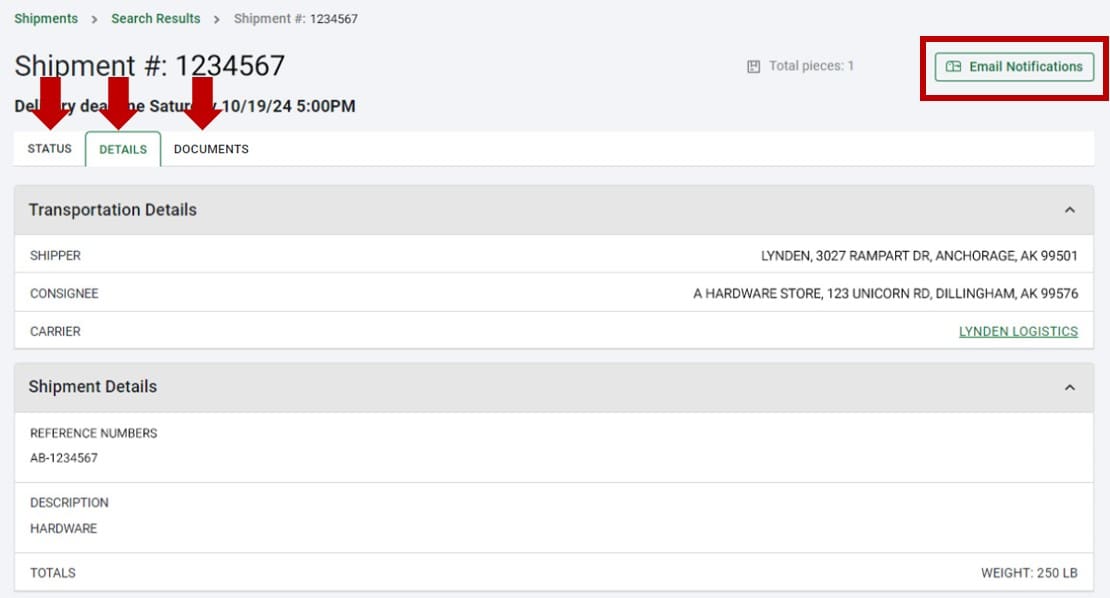
For more information about Email Notifications, see Shipment Updates.