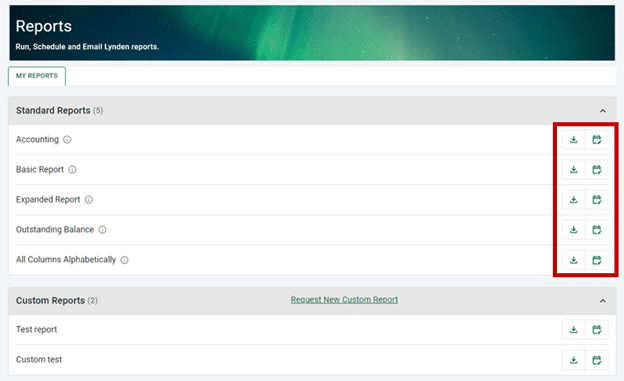
You may download or schedule reports by clicking the appropriate icon to the right of the report you wish to generate.
To Download a report, click the icon to run a report. Select the Time-based option and select a date range option from the drop-down.
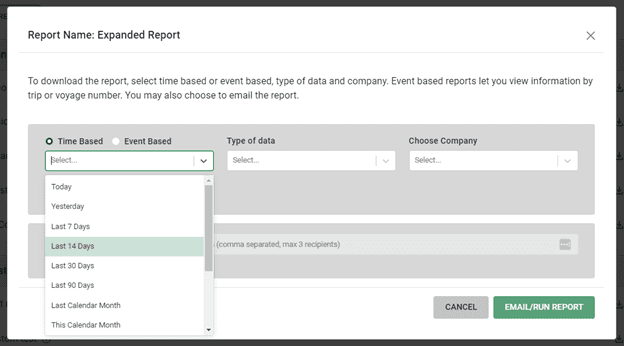
Select the Type of Data you wish to include. This will affect how information is displayed in your report. Learn more about our Data Types.
Choose the Lynden company that you wish to include shipment information for. You may also select “All Lynden Companies” as an option.
You have the option to email a copy of the report by checking the box and entering an email address.

When you are ready to download, click the Email/Run Report button.
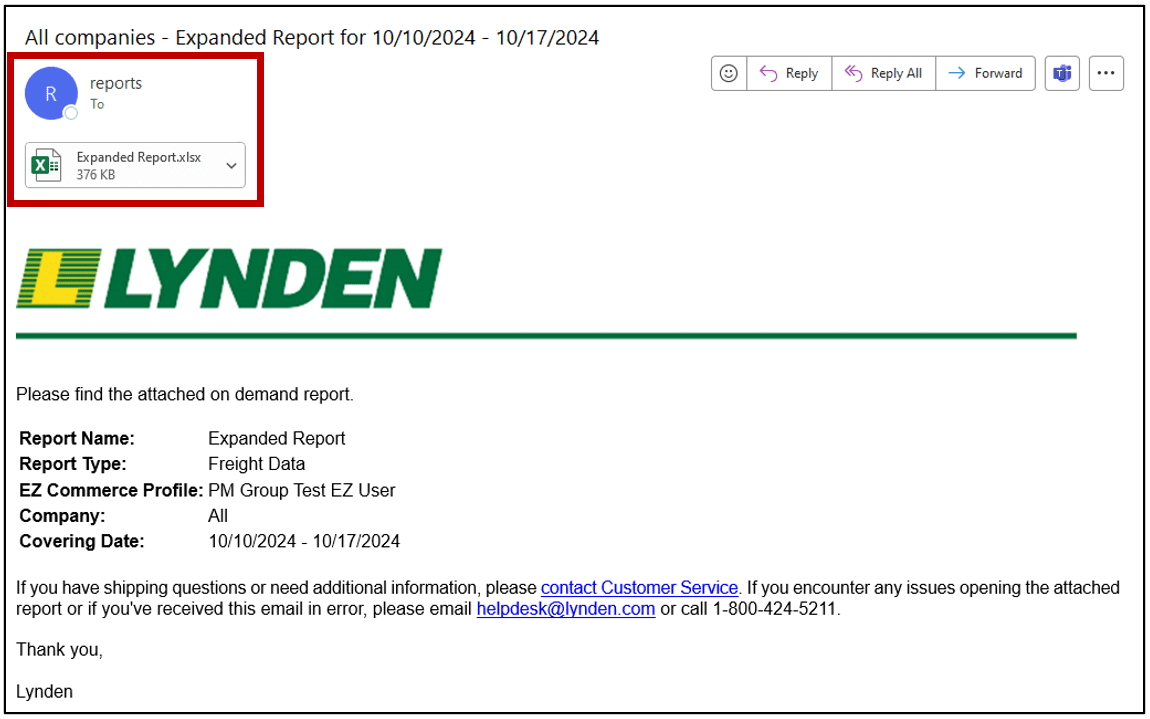
If you chose to also email a copy of the report, it will be delivered as an Excel attachment.