
Existing customer users must migrate their login to access the EZ Commerce 2024 Release.
Lynden has improved security of user data in EZ Commerce to stay ahead of potential threats, so current users must re-establish their accounts. Customer data, including custom reports and scheduling, and address books and templates will be carried over to the new system when a login is migrated.
You can migrate your login by following these steps:
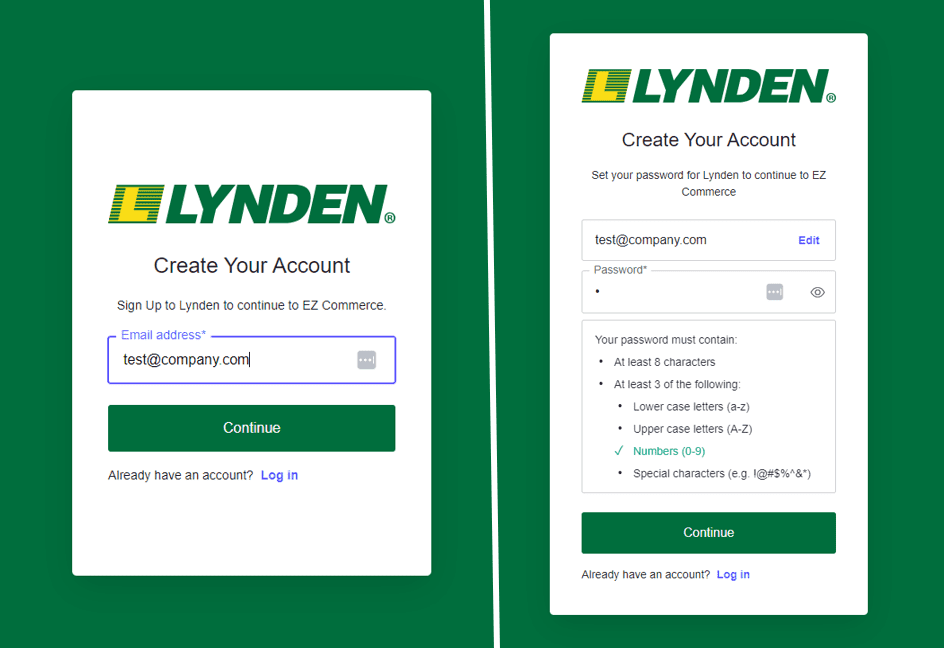
- Visit ezc.lynden.com/#/signup and enter your existing email address (the one you use for EZ Commerce today) as your username and set up a new password.
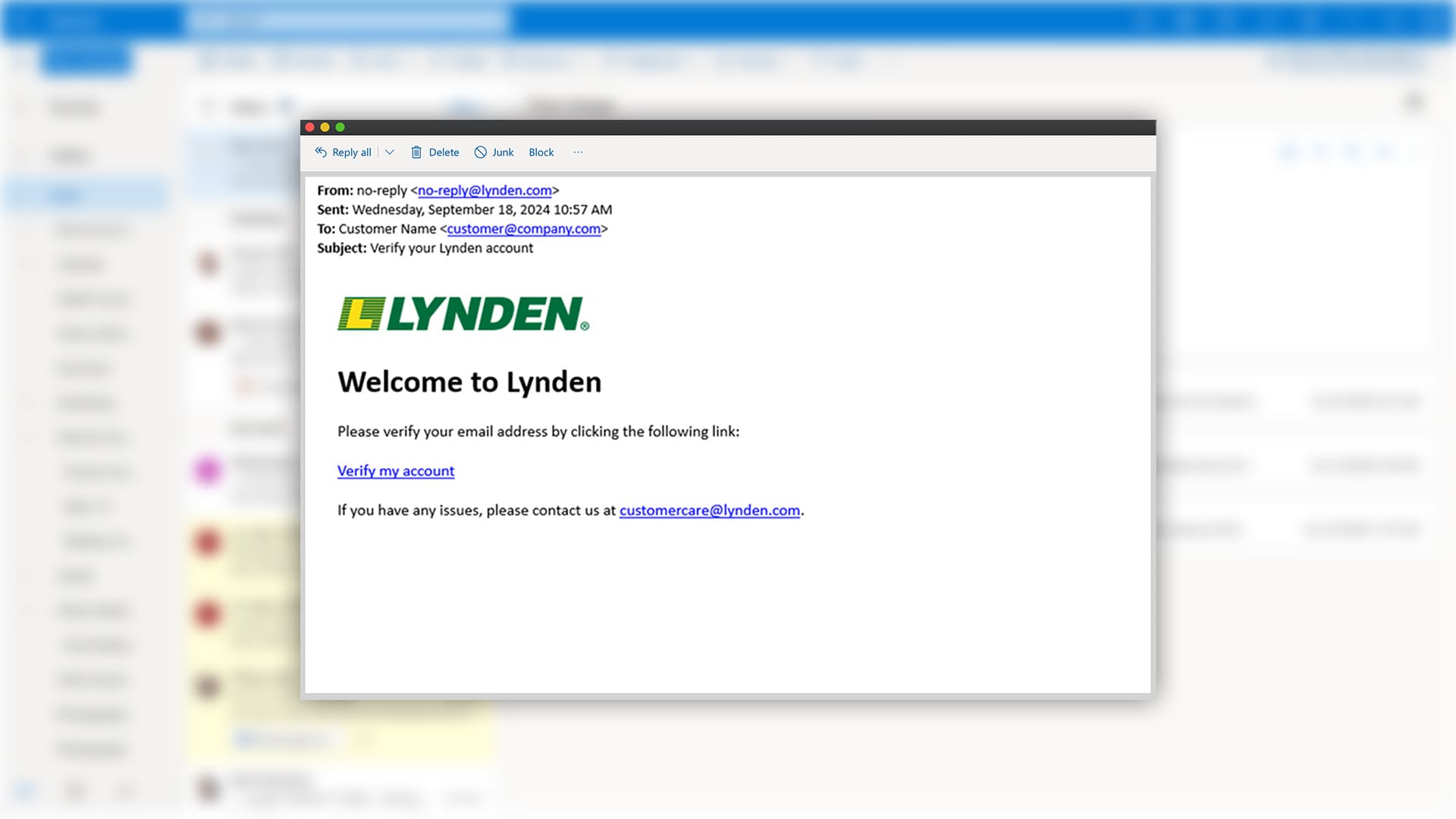
- This will prompt a verification email from no-reply@lynden.com. Click the link in your email to verify your account. The link expires after 5 days.

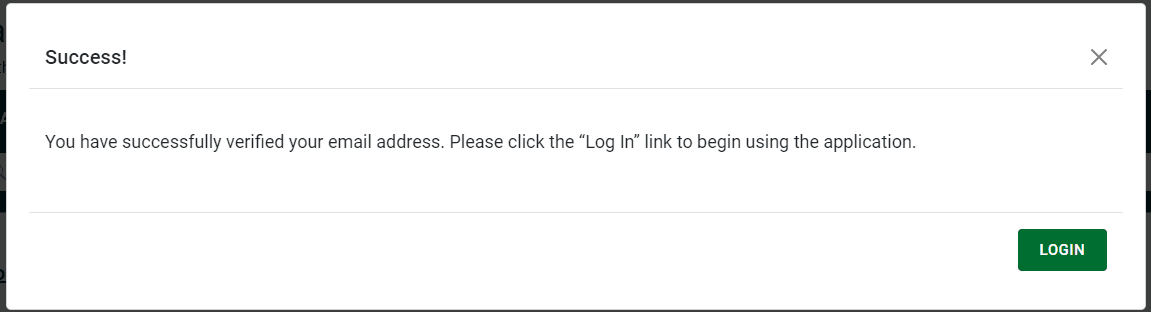
- Once verified, a confirmation message will prompt you to log in to your EZ Commerce account.
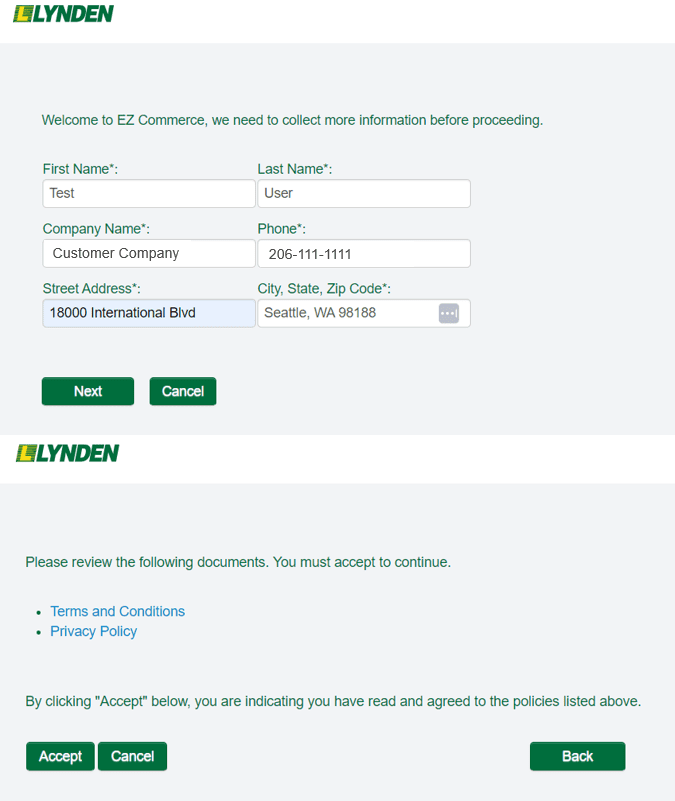
- When logging in for the first time, you will need to complete your company profile information and accept our policies to gain full access to EZ Commerce.
- Once completed, you are ready to start using EZ Commerce! Any custom reports and report schedules, address books, and templates have been converted over to the new system.
- Going forward, bookmark this new login page: https://ezc.lynden.com/#/login
If you experience issues logging into EZ Commerce please contact us at customercare@lynden.com.