
EZ Commerce enables document generation, shipment tracking, scheduling shipments, delivery receipts, and PDF invoices electronically, and also provides a variety of downloadable shipment activity reports. Are you experiencing trouble logging in?
If you need to reset your password, visit our login page and enter your email username. Click continue to be able to click the forgot password link.
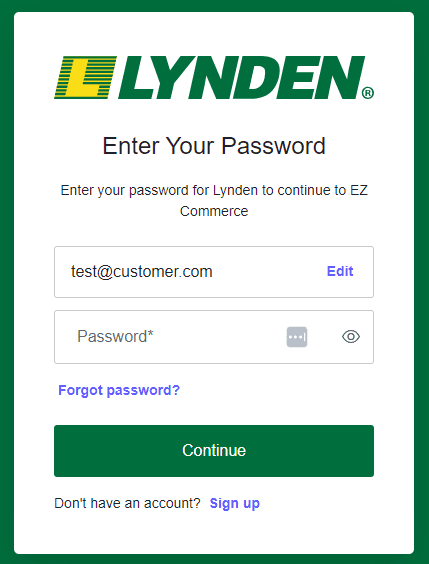
After submitting, an email will be sent to you with a link to reset your password. You have 5 days to use this link, or it will expire. If you are past the 5-day point, repeat the first step to receive a new email with a link.
Once you have reset your password, you can log in to EZ Commerce using the new password.
If you are experiencing issues logging into EZ Commerce please contact us at customercare@lynden.com or 1-888-596-3361.
If you know which internet browser version you are using (e.g. Google Chrome v. 122.0.6261.111) please let us know as it will be useful for troubleshooting the login issue.