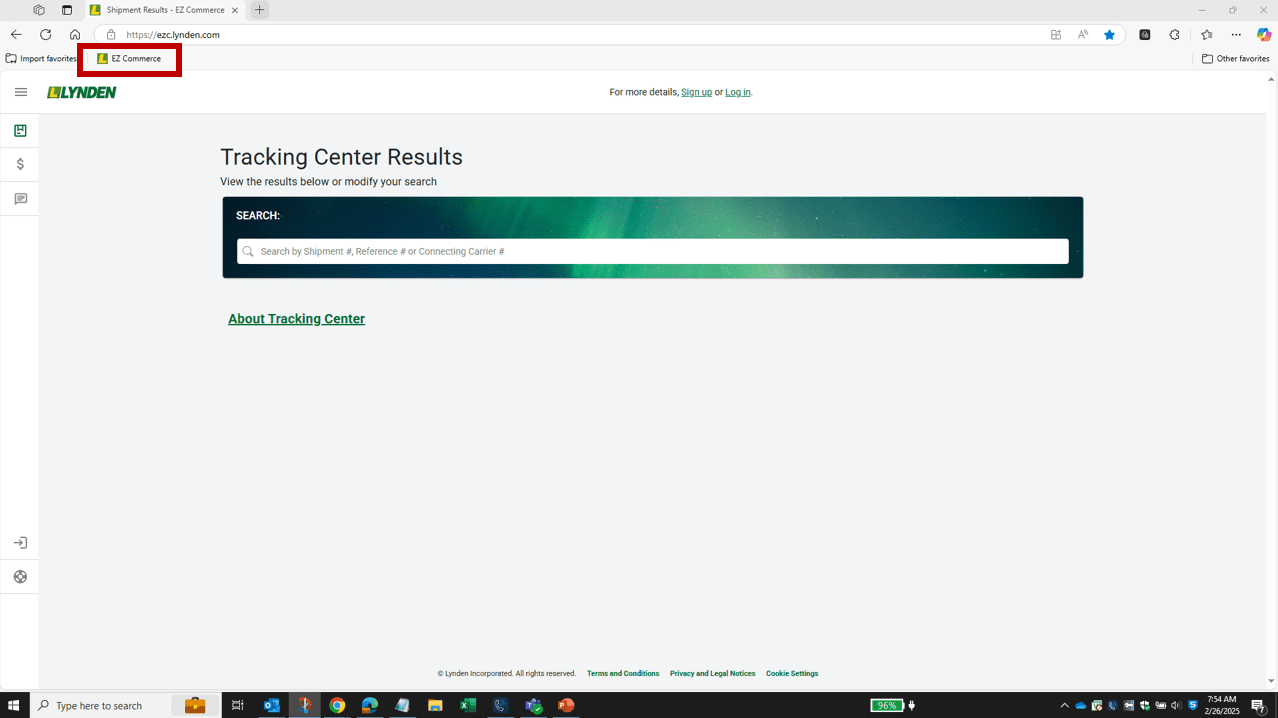
For quick access to EZ Commerce, add a shortcut directly to your desktop or make it a browser Favorite/Bookmark!
To add a desktop shortcut, please follow these steps:
- Google Chrome – https://support.google.com/chrome/answer/15085120
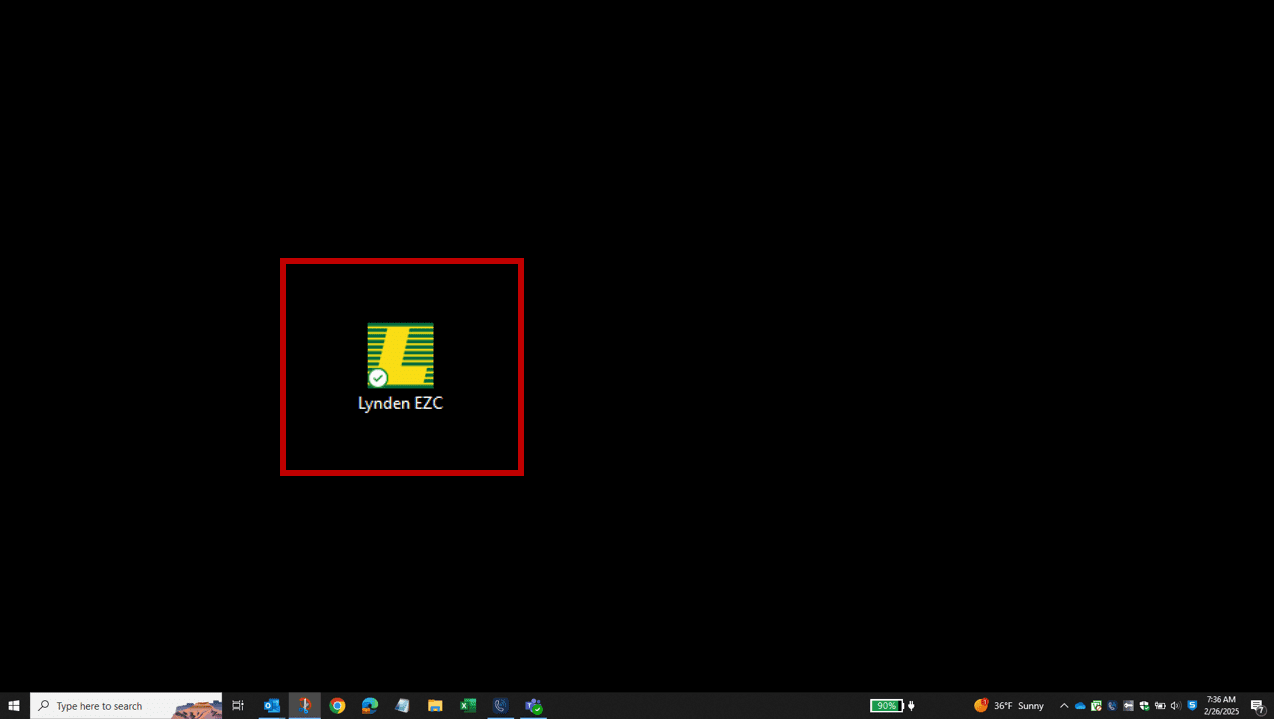
To add a browser favorite/bookmark, follow these steps:
- Google Chrome – https://support.google.com/chrome/answer/188842
- Microsoft Edge – https://support.microsoft.com/en-us/microsoft-edge/add-a-site-to-my-favorites-in-microsoft-edge-eb40d818-fd1f-cb19-d943-6fcfd1d9a935
- Safari – https://support.apple.com/en-in/guide/safari/ibrw1039/mac
- Firefox – https://support.mozilla.org/en-US/kb/bookmarks-firefox