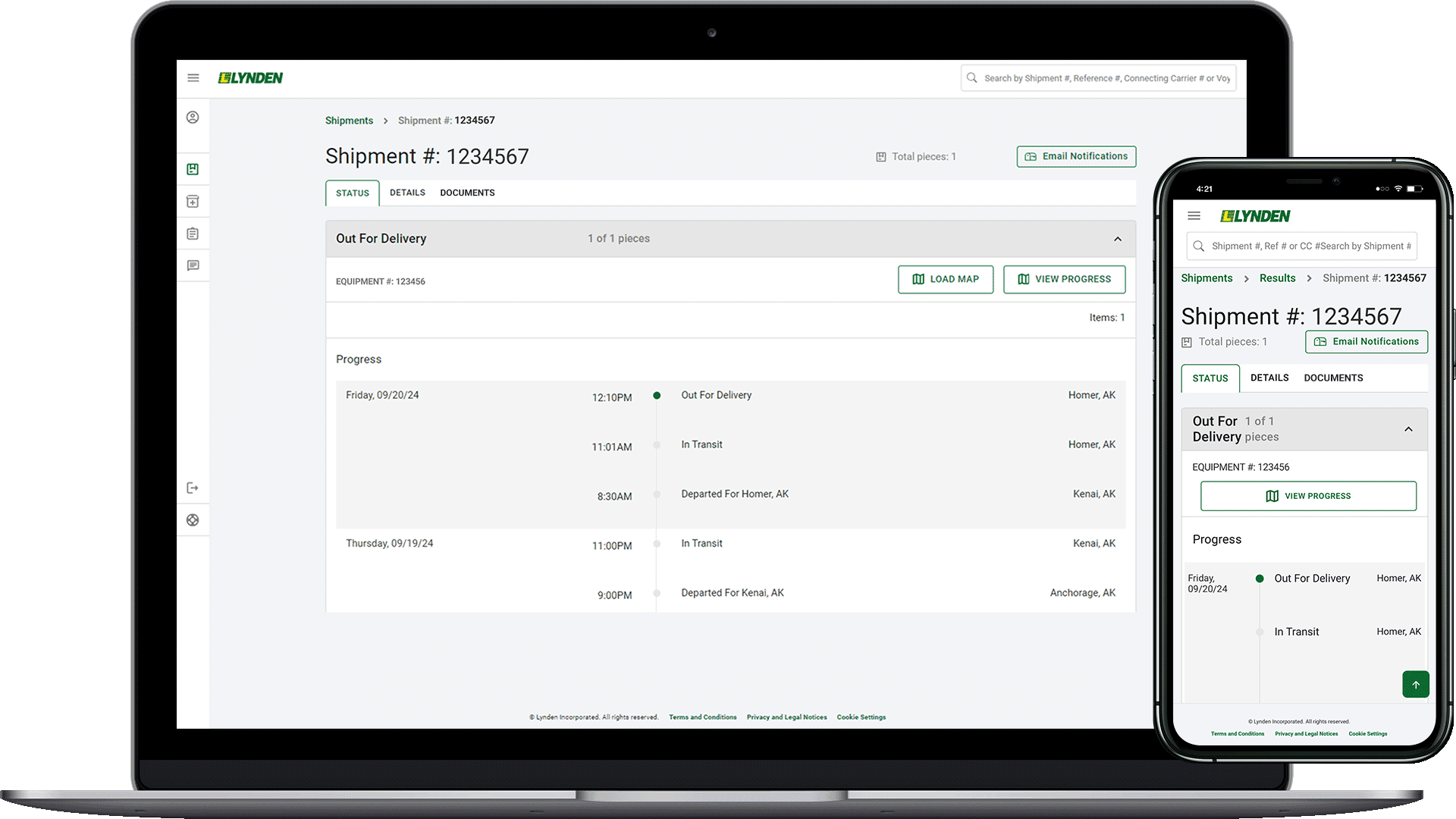
Lynden’s EZ Commerce is mobile responsive so you can view important shipment information on-the-go! Simply log in to EZ Commerce from your mobile browser to manage shipments.
Add EZ Commerce to Your Home Screen
If you access EZ Commerce frequently from your mobile device, save time and add it to your home screen!
Follow these steps to add EZ Commerce to your phone’s home screen:
- Instructions for Chrome users: https://support.google.com/chrome/answer/9658361
- Instructions for Safari users: https://support.apple.com/en-in/guide/iphone/iph42ab2f3a7/ios
Once you’ve completed these steps, you’ll be set to continue monitoring shipments from your mobile device.