
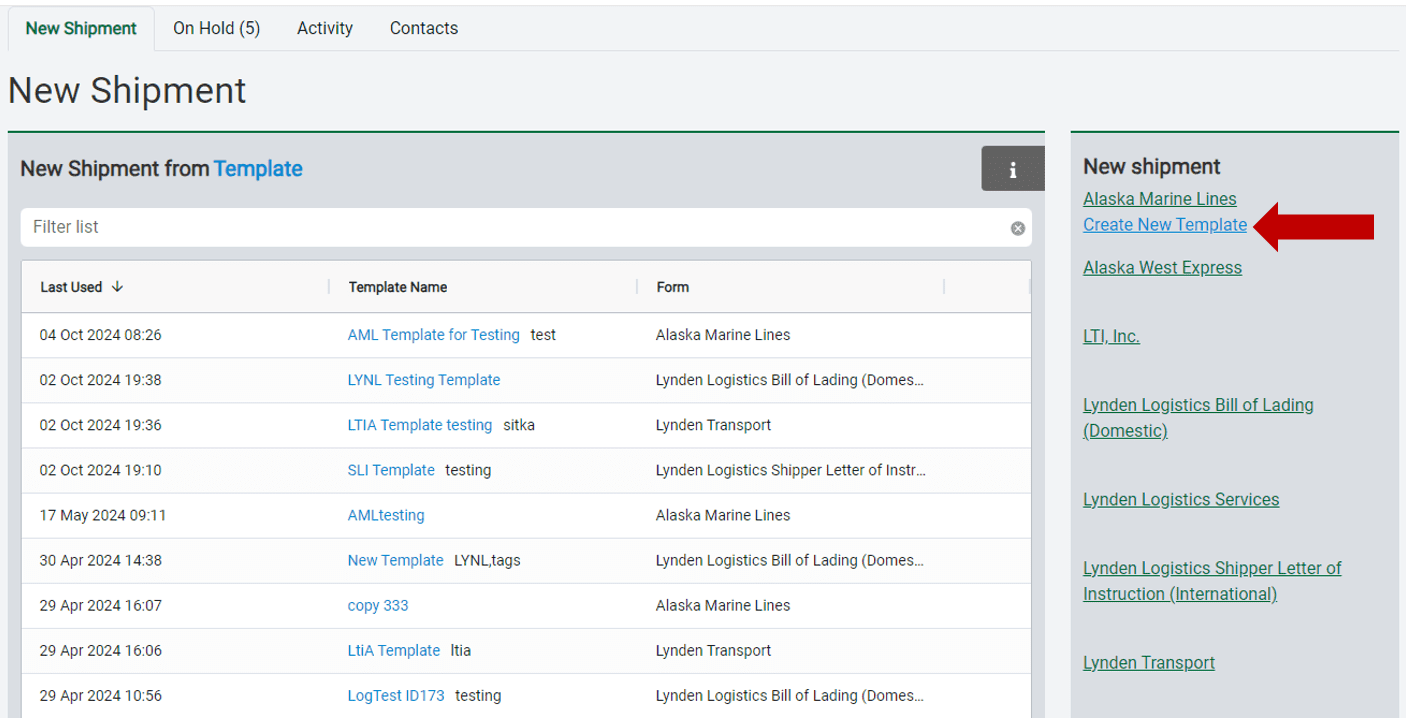
Enter regular shipments and create templates with information that can be reused. To create a new template, navigate to the New Shipment box on the right, and under the correct Lynden company, click the Create New Template link.
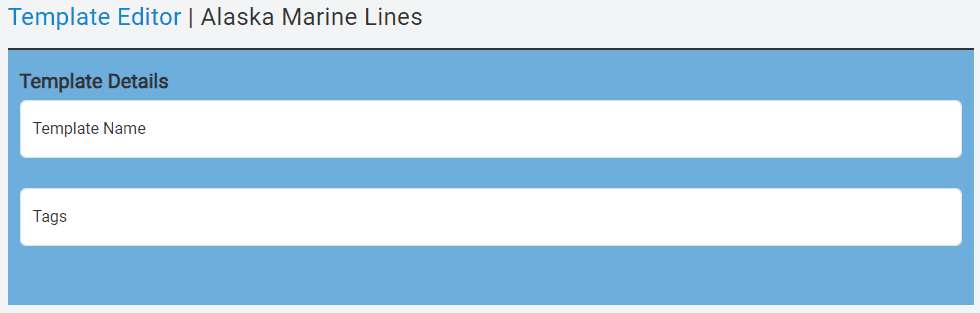
In the template editor, name the template and enter any associated tags. Tags help you easily identify and filter your templates on the new shipment page. Helpful tags can include a category of shipment, such as “fish,” or the name of the city or warehouse where the shipment originates.
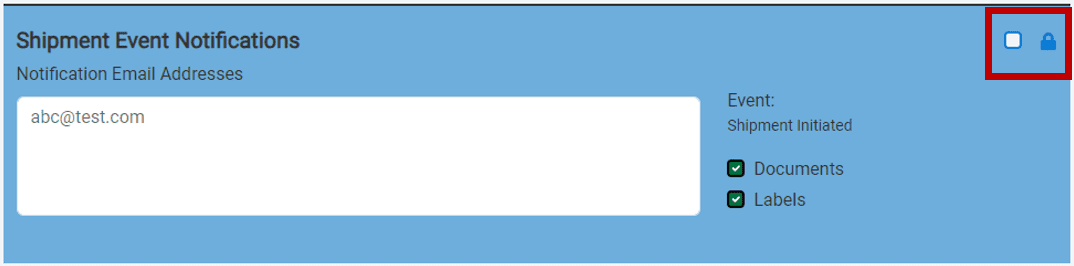
If you want every shipment created with this template to notify a specific contact, enter their email(s) into the Shipment Event Notifications field. Each time a shipment is created with this template, the contact(s) will receive a notification when the shipment is submitted to Lynden, including an attachment with documents, labels, or both, based on the items checked. The locking feature allows you to prevent a section from being changed when someone creates a shipment using this template.
When you have finished editing your template, click the Save button on the right to save your template form. You will be taken back to the new shipment page, where you’ll see a message confirming that your template has been saved at the top, along with your newest template at the top of your list. To start a new shipment from a template, click on the template name.
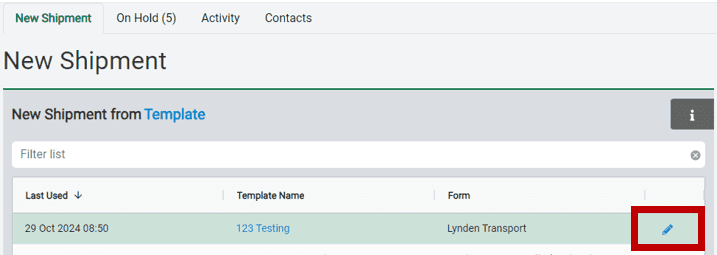
The only way to change a locked template section is to go back and edit the template. This feature helps ensure that certain information isn’t accidentally changed if many users are accessing the template. To edit an existing template from the template list, click the blue pencil icon that appears when you hover your mouse over the template row.
Note: Please ensure that form fields do not contain any of the following special characters, which will need to be removed before submitting: (, ), |, \, /, %,, {, }, :, ;.